 Cardflare
Delete your account
Two steps: clear what is on the device, then ask us to remove what is on the server.
1. In the app
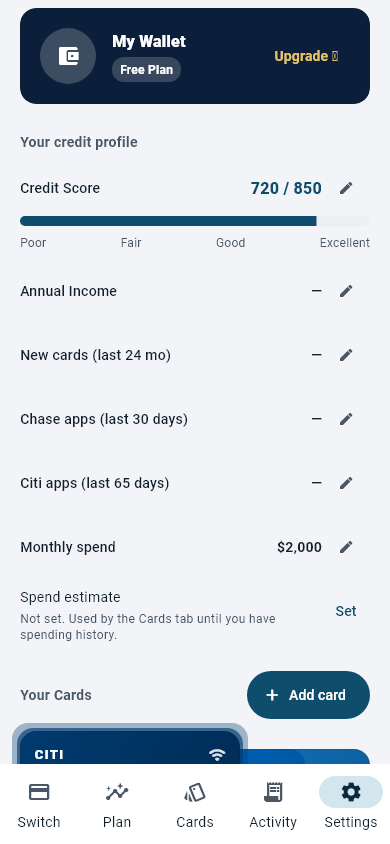
Open Settings and use Delete account. That signs you out and removes the wallet data held on the device: the cards you added, your saved places, your purchase log and your settings. Uninstalling the app also removes everything stored locally.
2. For data on our server
If you signed in with Google, a copy of your wallet is held on our server, and if you connected a bank on the paid tier, your Plaid tokens are too. There is no server-side delete button yet, so we handle these by request.
Send the request from the email address you signed in with, or tell us which address that was, so we can find the right account. We delete the server-side copywithin 30 days of the request and reply once it is done.
What gets deleted
- The wallet snapshot held against your account
- Your account identifier
- Any Plaid connection and its tokens
Two things we cannot delete for you: records Apple or Google hold about a subscription you bought, which are theirs and are managed in the store, and anything we are required by law to keep. Cancel a subscription in Google Play → Subscriptions before you ask for deletion — deleting your data does not cancel billing.
Just want the bank connection gone?
Disconnecting a bank from inside the app is not available yet.Email us and we will remove the connection without touching the rest of your account.
Questions first? Support · [email protected]